
Websites for small and medium-sized businesses
A clear online home for your business.
Help customers find you, understand what you offer, and take the next step. PraTech Digia plans and builds practical websites around your business, your customers, and your budget.
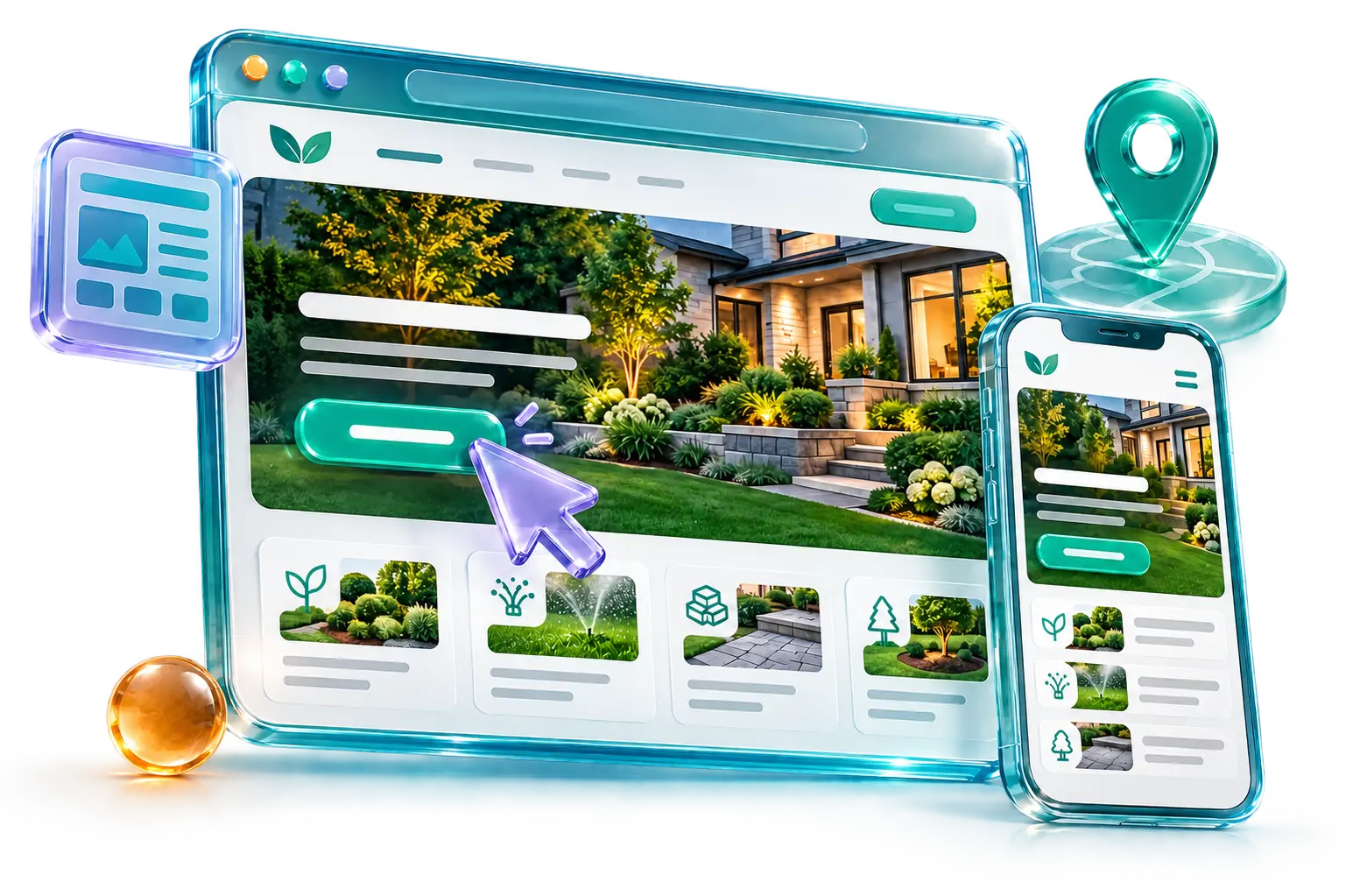
Design concepts
Different businesses. Different websites.
A website designed around your business, your customers, and your goals.
-
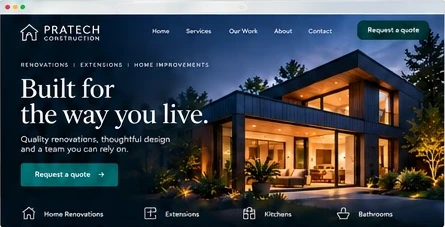
Construction -
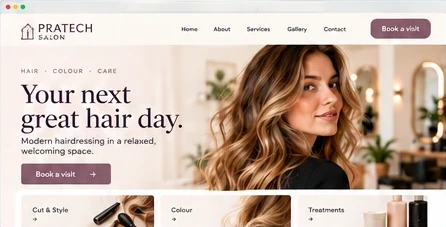
Hair and beauty salon -

Consulting -
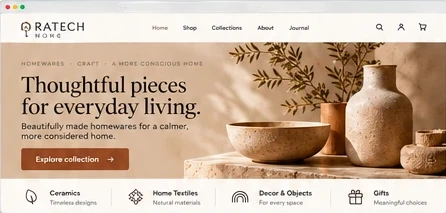
Homewares shop -

Restaurant -

Dental care -
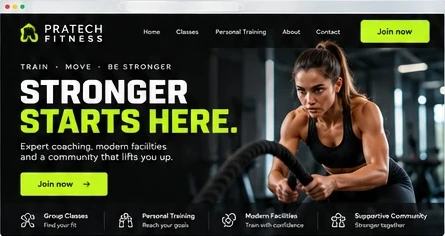
Fitness -

Real estate -
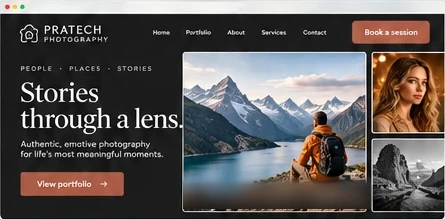
Photography -
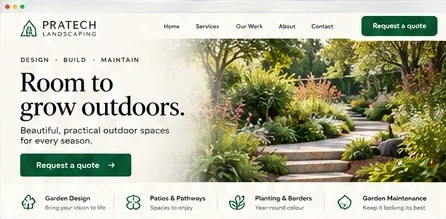
Landscaping
01 / 10
Illustrative concepts · Drag or use the arrows
Free website guide
What PraTech considers when building your website
Eight short pages on what we look at when we plan and build a website for your business, from the essentials to life after launch. Open the cover to begin.
What PraTech Considers When Building Your Website
A practical guide to how we plan, build, and improve your business website.
Why it matters
Why does a business need a website?
Your website is often one of the first places potential customers go to learn about your business. It can help you:
- Explain your services clearly and build trust.
- Show your work, experience, products, or approach.
- Help customers find your contact details and take the next step.
- Answer common questions before customers contact you.
- Collect inquiries, appointment requests, or other information when needed.
- Share updates, offers, and important information.

A website does not need to be large or complicated to be useful. It needs to give the right people the information they need and make the next step clear.
The essentials
What makes a website effective?
A useful website brings together several things:
-
Clear purpose
The site is designed around what you need it to do, such as explain your services, attract inquiries, or sell products.
-
Relevant content
Visitors can quickly understand who you help, what you offer, and what to do next.
-
Easy navigation
Pages and information are organized so visitors can find what they need.
-
Consistent design
Colours, images, and typography reflect your business and create a coherent impression.
-
Mobile-friendly layout
The site works well on phones, tablets, and desktop screens.
-
Useful features
Contact forms, booking tools, product listings, or other features support the purpose of the site.
-
A manageable setup
The domain, hosting, and website platform suit your needs and budget, including any ongoing costs and maintenance.
-
Easy to find
Clear page titles, useful content, and accurate business details can help customers find your website through search.
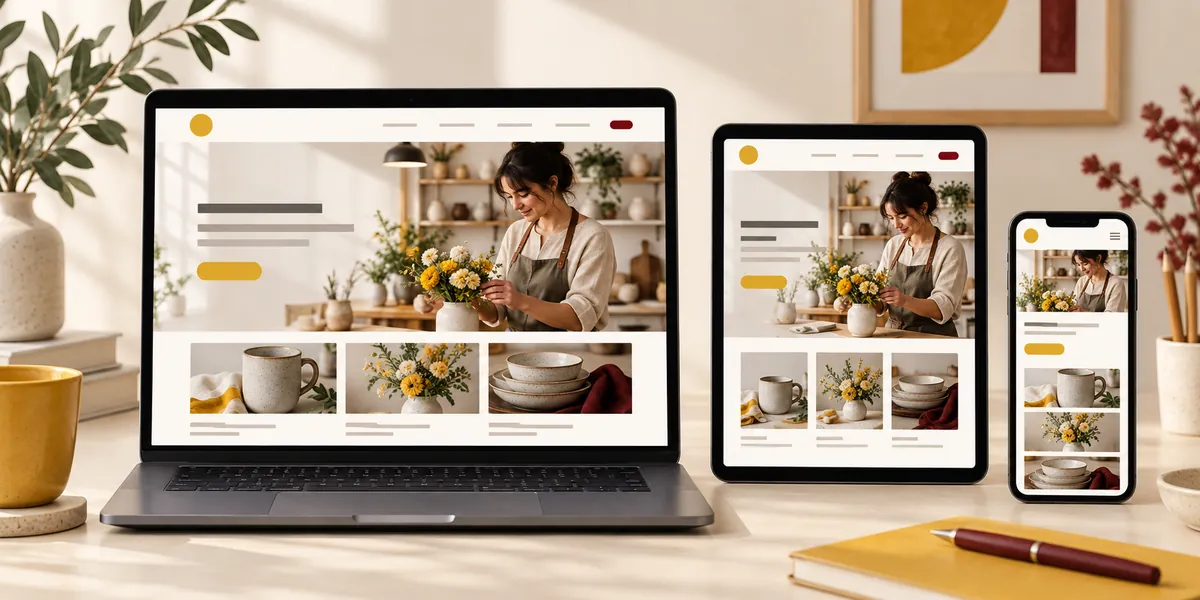
Finding the right fit
Which features does your website need?
Your website’s design and features should reflect your business, your customers, and what you want visitors to do.
-
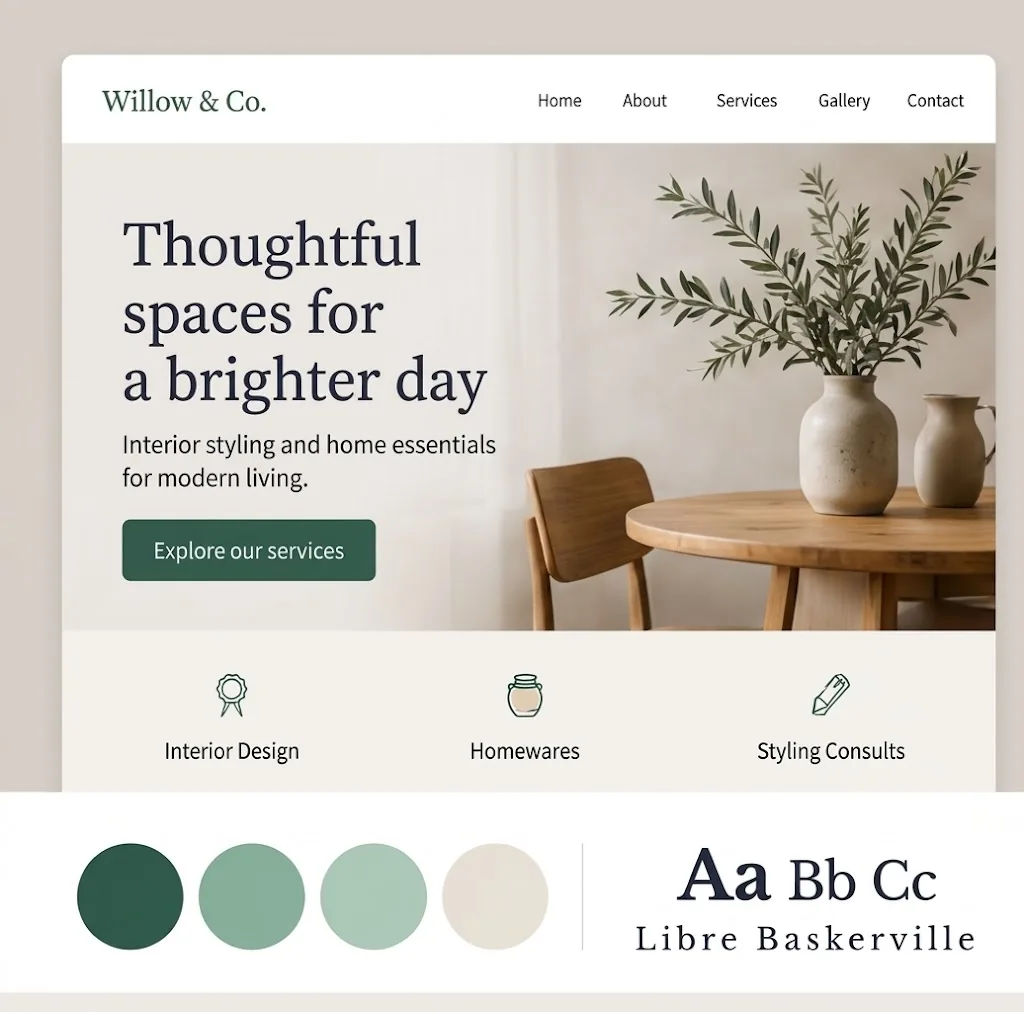
Design that fits your business
Choose colours, typography, imagery, and a layout that suit your brand, industry, and customers.
-
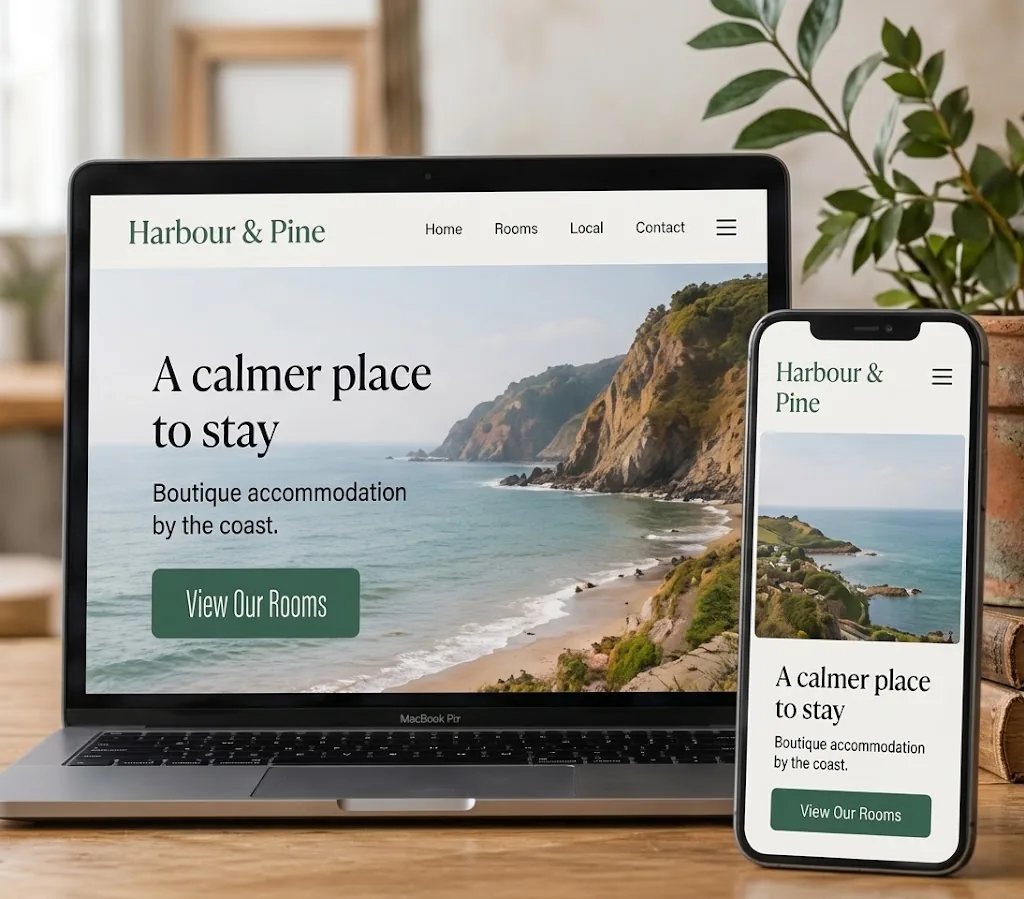
Clear and mobile-friendly
Organize pages clearly and make your website easy to use on phones, tablets, and computers.
-
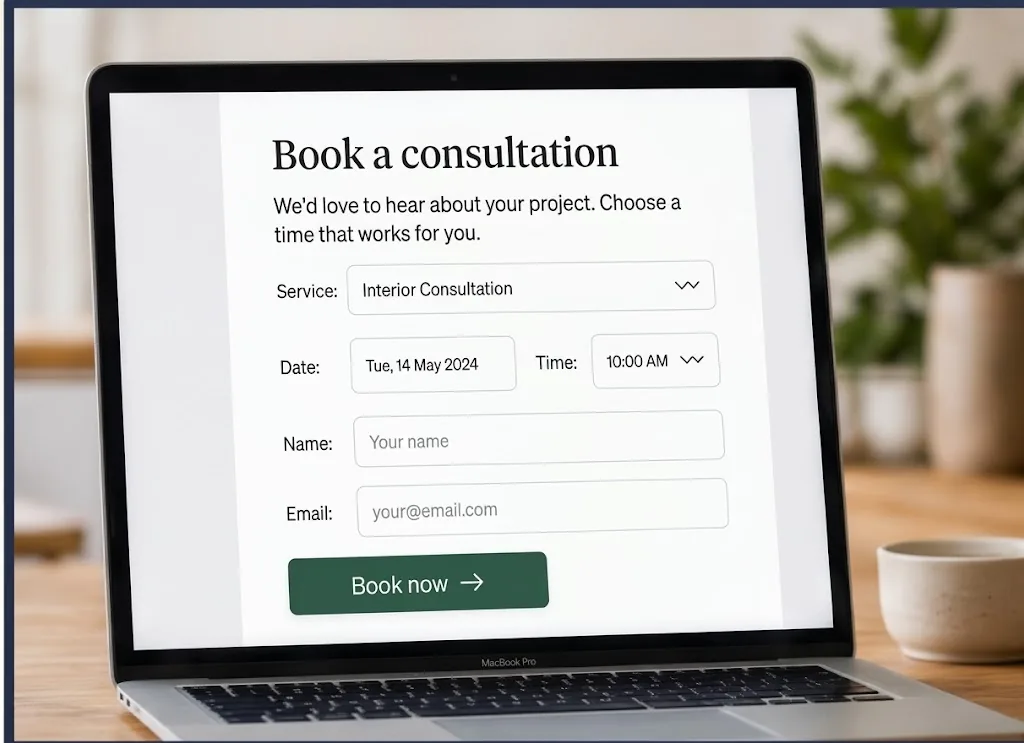
Tools for customer actions
Add contact forms, booking, scheduling, or online payments when they fit your business.
-
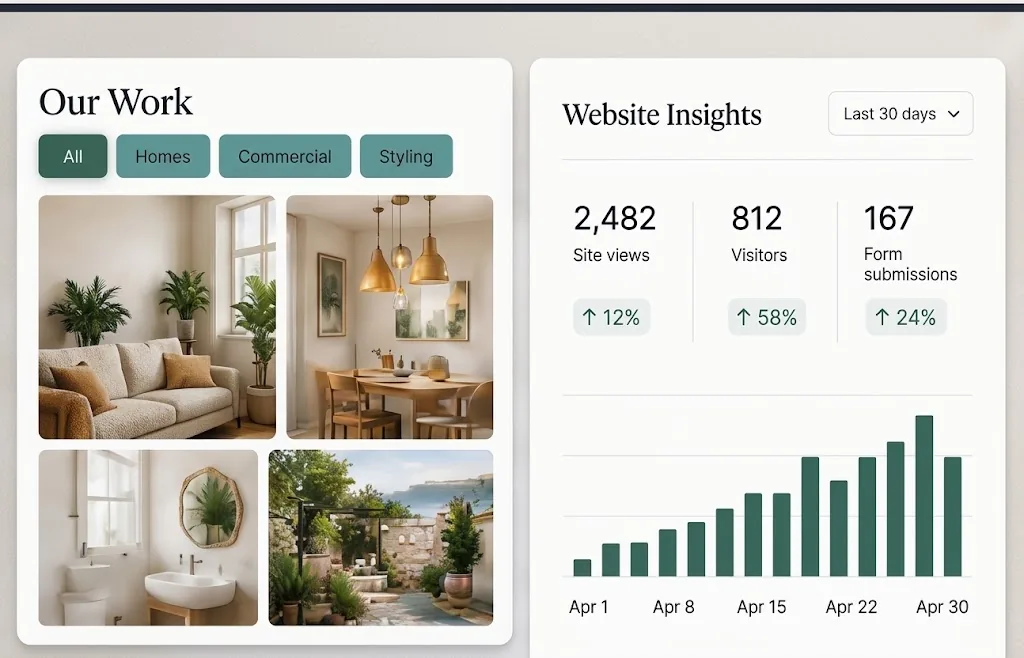
Showcase and insights
Use galleries, product listings, useful integrations, or analytics to support your goals.
We’ll help you choose the right features for your needs and budget, and explain the trade-offs in plain language.

After launch
Keep your website current and visible
Launching your website is just the start. Galleries, services, prices, and offers may need regular updates. You may also want to collect inquiries or booking requests, understand how visitors use your site, and improve it as your business grows. PraTech can help with:
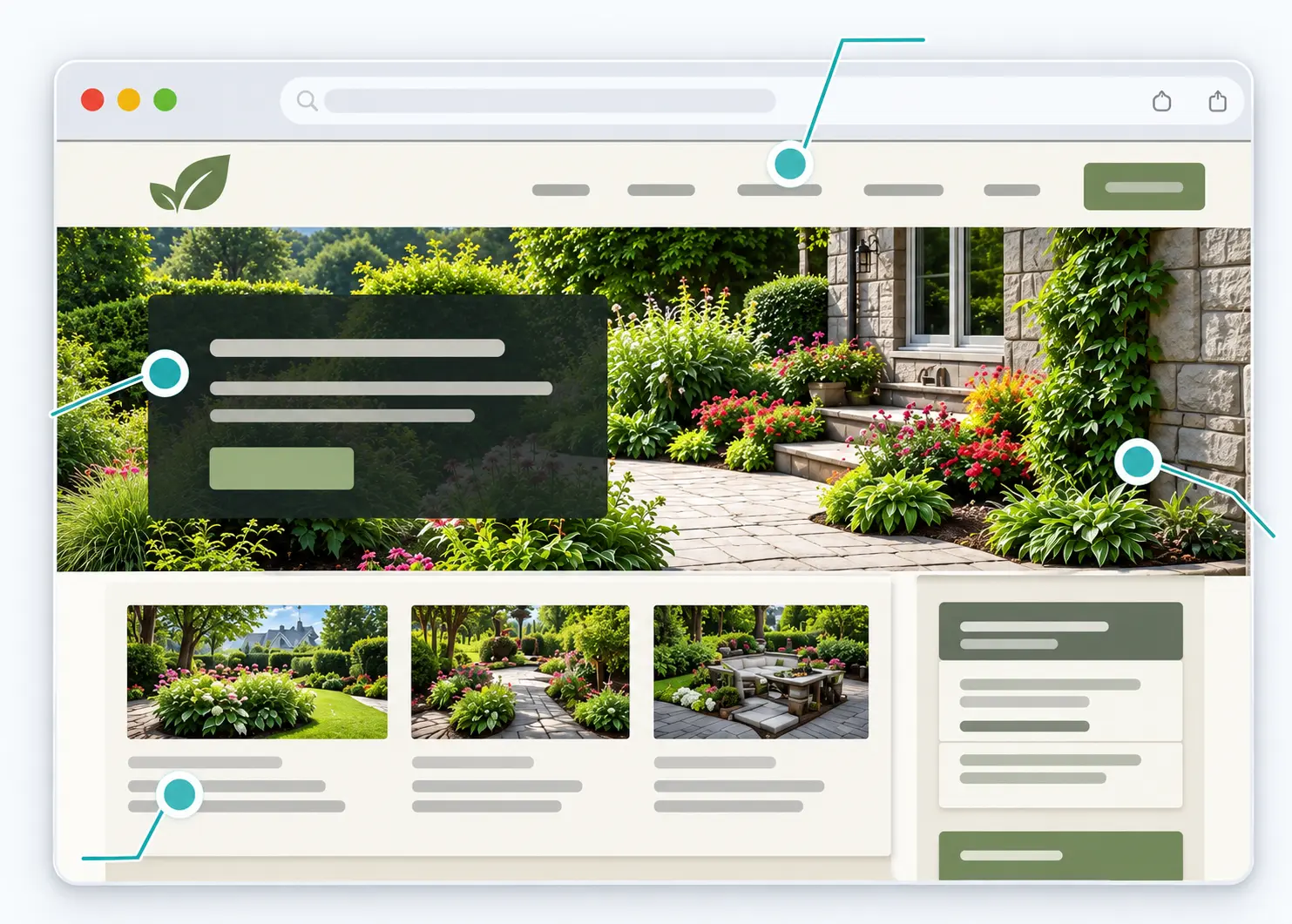
-
Content and gallery updates
Refresh photos, services, prices, seasonal offers, and promotional videos.
-
Website care and lead capture
Check forms, booking links, mobile display, and key pages. Set up forms to collect inquiries or booking requests.
-
Local search visibility
Update your Google Business Profile, improve basic local SEO, and set up Google Search Console.
-
Customer insights and improvements
Use analytics to review popular pages, traffic sources, and actions such as calls, inquiries, or bookings, then make practical improvements.
Ongoing support, scoped to your needs and budget.
Cover
Choose your starting point
What do you need?
Whether you are starting fresh or working with a current site, we can help you identify a practical next step.
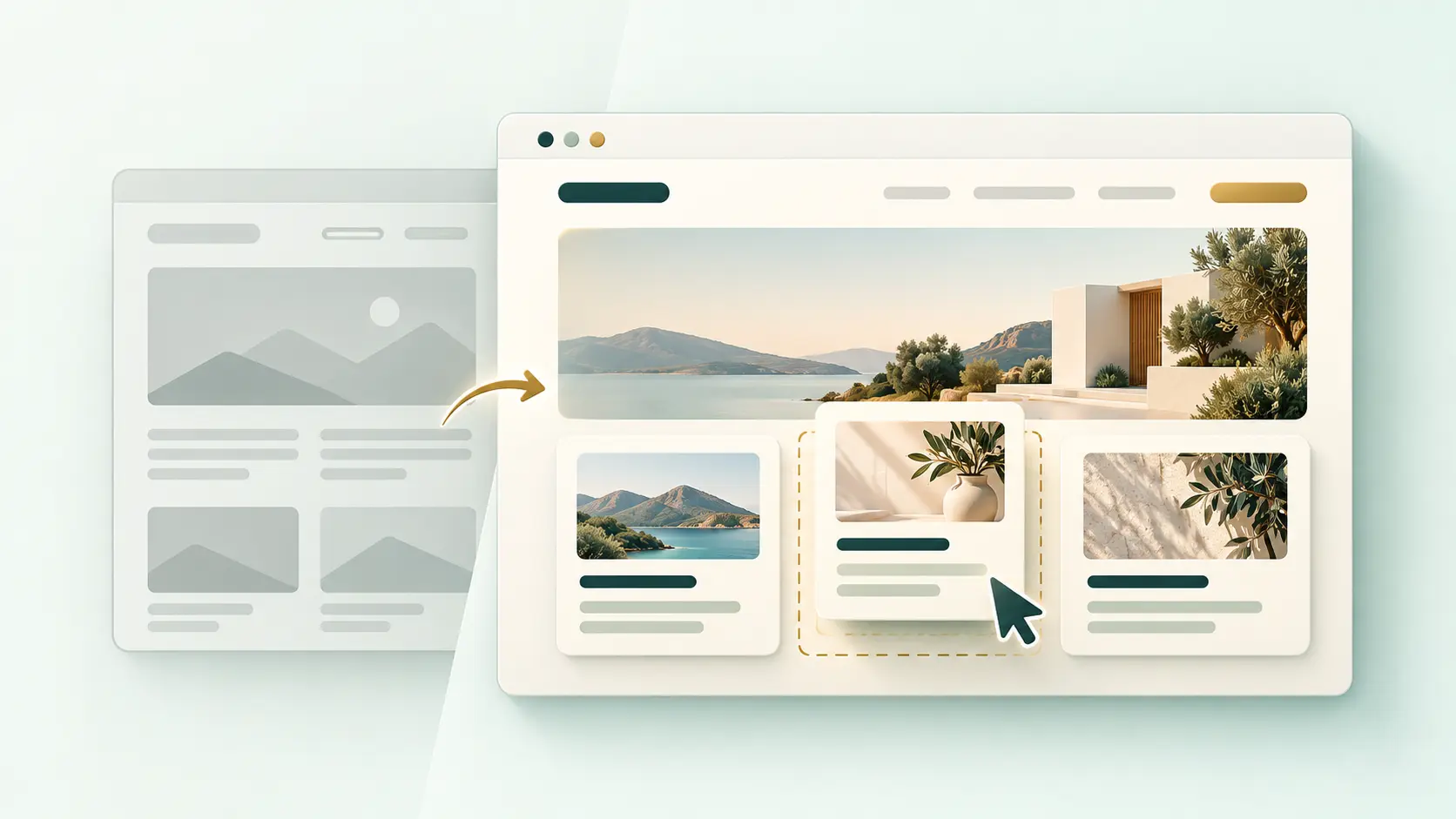
Starting from scratch
Build the right foundations for your first website.
We’ll shape your idea into a useful plan, decide which pages and features matter, and work through content, design, domain, and hosting choices. You can start with what you know today and fill in the gaps as we go.
- 1Set goals, audience, and budget
- 2Plan pages, content, and features
- 3Choose a suitable domain, platform, and company email
- 4Design, build, review, and launch
Your online presence, set up together
Alongside your first website, we can set up a company email on your own domain (like you@yourbusiness.com) and social pages that match your website and link to it.
- Company email
- YouTube
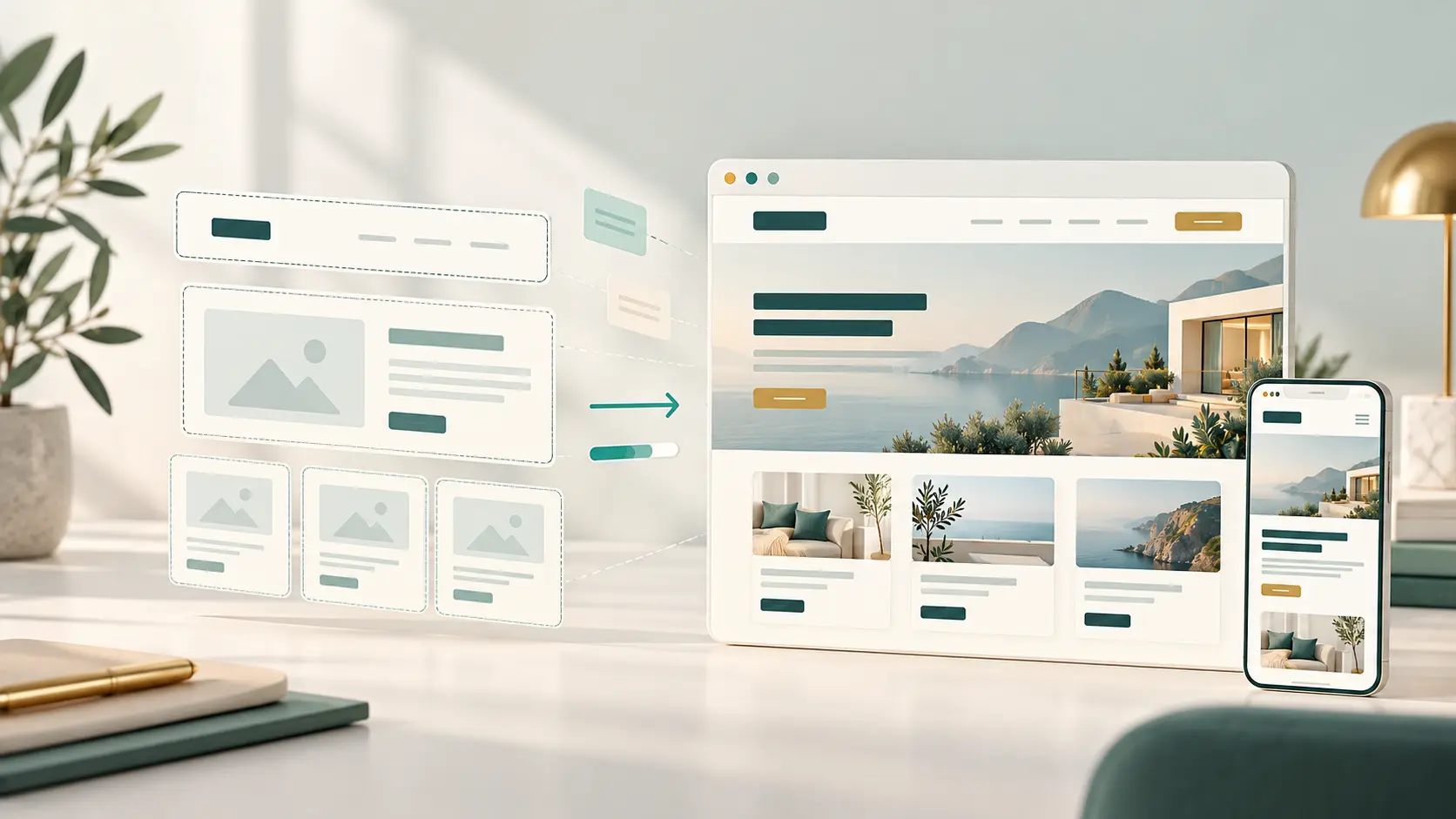
Improving an existing website
Find what to keep, fix, or rebuild.
If the current site is outdated, difficult to use, unclear, or missing useful features, we review how it supports your business. The right next step may be a focused update, a clearer structure, or a full rebuild.
- 1Review goals, pages, and current setup
- 2Identify content and usability gaps
- 3Improve design, features, or visibility
- 4Test updates and plan next steps
From first conversation to launch
A clear path to a website that fits.
You do not need to arrive with a complete plan. We work through the decisions with you, one step at a time.
-
Step 1 · Plan
Plan around what matters
Start with your business goals and customer needs.
We talk through your business, audience, goals, budget, and priorities. If you are unsure what you need, we help you decide what is useful now and what can wait.
-
Step 2 · Prepare
Get the pieces ready
Gather content and choose a practical setup.
Organize the information, photos, and materials you already have. Compare domain, hosting, and platform options that suit your needs, budget, and comfort level.
-
Step 3 · Design
Make the message clear
Shape pages and content around your customers.
Plan the page structure, write or refine the content, and decide how visitors will take the next step. The design reflects your business and keeps the experience easy to follow.
-
Step 4 · Build
Build and review together
Create the site and check it on real screens.
We develop the agreed pages and features, then review the website with you. We check layout, links, forms, and usability across phones and larger screens.
-
Step 5 · Improve
Keep the site useful
Launch, learn from use, and plan what comes next.
After launch, update services and content as the business changes. Where useful, review website activity and use what you learn to choose sensible next improvements.
Choose a stop to see what happens at that stage.
We explain the options, costs, and trade-offs so you can choose what works for your business.
Tell us about your website project